qaz@lemmy.world to Memes@lemmy.mlEnglish · 2 年前Recursive authenticationlemmy.worldimagemessage-square101linkfedilinkarrow-up1765arrow-down112
arrow-up1753arrow-down1imageRecursive authenticationlemmy.worldqaz@lemmy.world to Memes@lemmy.mlEnglish · 2 年前message-square101linkfedilink
minus-squareHonytawk@lemmy.ziplinkfedilinkarrow-up10arrow-down1·2 年前Probably means there already is MFA setup on that account, and now you doing it a second time. Or you can just press the “get codes” button in the top right.
minus-squareqaz@lemmy.worldOPlinkfedilinkarrow-up6·2 年前The get codes button didn’t work the first time I tried it. But it did now after restarting the app a couple times. A bit finnicky but it works.
minus-squaresizing743@lemmy.mllinkfedilinkarrow-up4·2 年前Yeah, when your setting it up there’s a button that says something like “use another authenticator app” or it might say something like “configure without notifications”. Those generate normal TOTP QR codes which you can use in other apps


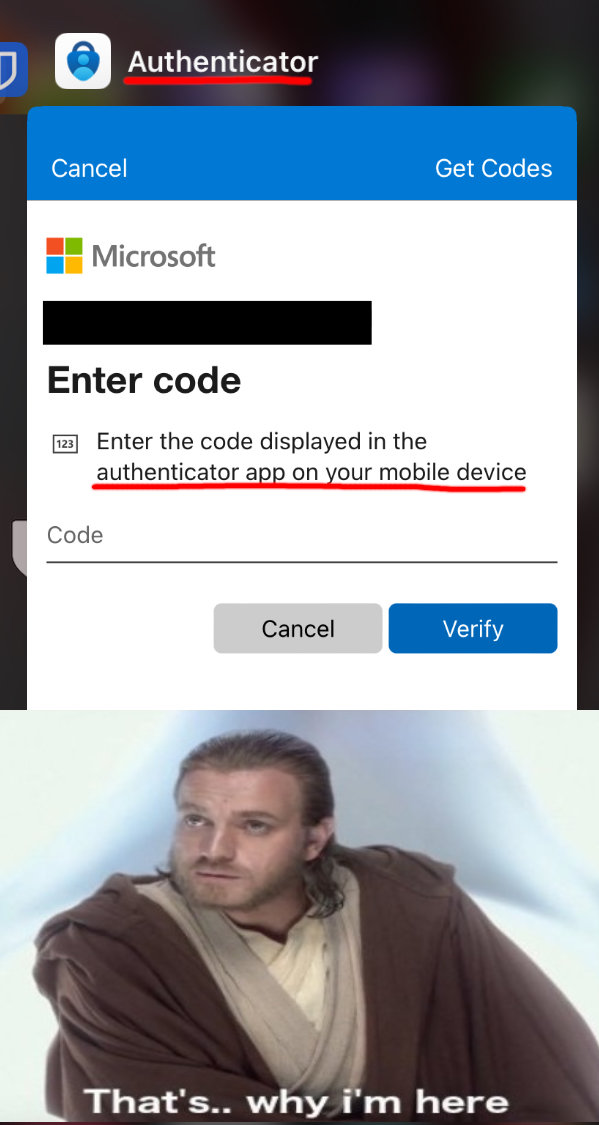
Probably means there already is MFA setup on that account, and now you doing it a second time.
Or you can just press the “get codes” button in the top right.
The get codes button didn’t work the first time I tried it. But it did now after restarting the app a couple times. A bit finnicky but it works.
Yeah, when your setting it up there’s a button that says something like “use another authenticator app” or it might say something like “configure without notifications”.
Those generate normal TOTP QR codes which you can use in other apps